© 2025 Emerson Enterprises Unlimited LLC

STORM DAMAGE? DON’T LET INSURANCE CONFUSION DELAY YOUR REPAIRS
Get Emerson’s Free Claims Guide
And Take Control Today.
Get Emerson’s FREE Claims Process Guide
And Take Control of Your Claim Today.

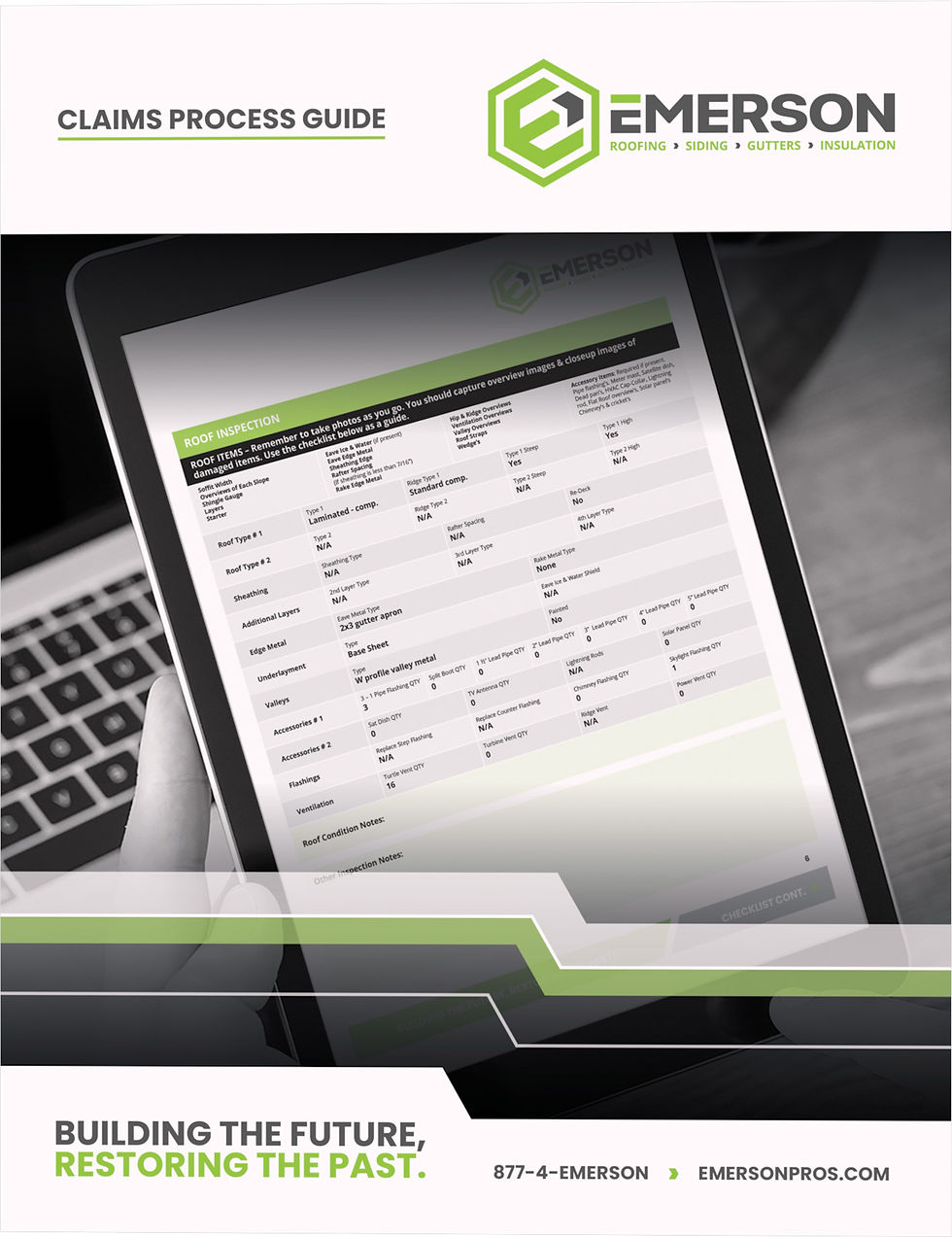
Navigating an insurance claim can feel overwhelming — but it doesn’t have to be. This free guide walks you through each step, from inspection to restoration, so you know what to expect and how to avoid costly delays.
🔒 We respect your privacy. Your info is never shared.
Instructions for Interacting with the 3D Model
Touch and Hold the model with one finger.
Swipe in any direction to rotate the model.
Pinch with two fingers to zoom in or out.
On a Computer (Online):
Click and Hold the left mouse button on the model.
Drag the mouse to rotate the model in any direction.
Scroll up or down with your mouse wheel to zoom in and out.
These simple gestures will help you explore the model from all angles!
On a Computer (Online):
Click and Hold the left mouse button on the model.
Drag the mouse to rotate the model in any direction.
Scroll up or down with your mouse wheel to zoom in and out.
WHY OUR CLAIMS PROCESS guide IS A MUST-HAVE
Our guide isn’t just a checklist—it’s your roadmap to a smoother, stress-free claims experience. It includes:
- Insider tips to avoid common insurance pitfalls.
- A timeline tracker to keep your claim moving.
- Insurance claim information sheet – Keep all your key details in one easy-to-access place.
- Answers to key questions about licensing & insurance, certifications, and warranties.
We’re here to make sure you’re not navigating the process alone. Whether you’re just getting started or in the middle of your claim, our Claims Process Guide puts the power back in your hands—so you can focus on recovery, not red tape.
Our guide isn’t just a checklist—it’s your roadmap to a smoother, stress-free claims experience. It includes:
- Insider tips to avoid common insurance pitfalls.
- A timeline tracker to keep your claim moving.
- Insurance claim information sheet – Keep all your key details in one easy-to-access place.
- Answers to key questions about licensing & insurance, certifications, and warranties.
On a Computer (Online):
Click and Hold the left mouse button on the model.
Drag the mouse to rotate the model in any direction.
Scroll up or down with your mouse wheel to zoom in and out.
WHY OUR CLAIMS PROCESS guide IS A MUST-HAVE
Our guide isn’t just a checklist—it’s your roadmap to a smoother, stress-free claims experience. It includes:
-Insider tips to avoid common insurance pitfalls.
- A timeline tracker to keep your claim moving.
- Insurance claim information sheet – Keep all your key details in one easy-to-access place.
- Answers to key questions about licensing & insurance, certifications, and warranties.
We’re here to make sure you’re not navigating the process alone. Whether you’re just getting started or in the middle of your claim, our Claims Process Guide puts the power back in your hands—so you can focus on recovery, not red tape.
Our guide isn’t just a checklist—it’s your roadmap to a smoother, stress-free claims experience. It includes:
- Insider tips to avoid common insurance pitfalls.
- A timeline tracker to keep your claim moving.
- Insurance claim information sheet – Keep all your key details in one easy-to-access place.
- Answers to key questions about licensing & insurance, certifications, and warranties.